User registration
To register for Profit, go to https://profit.intellisoft.ee/ and click "Join Profit for free".
Creating a user account is free!
You can sign up with your email address + password or via Google. More authentication options will be added over time.
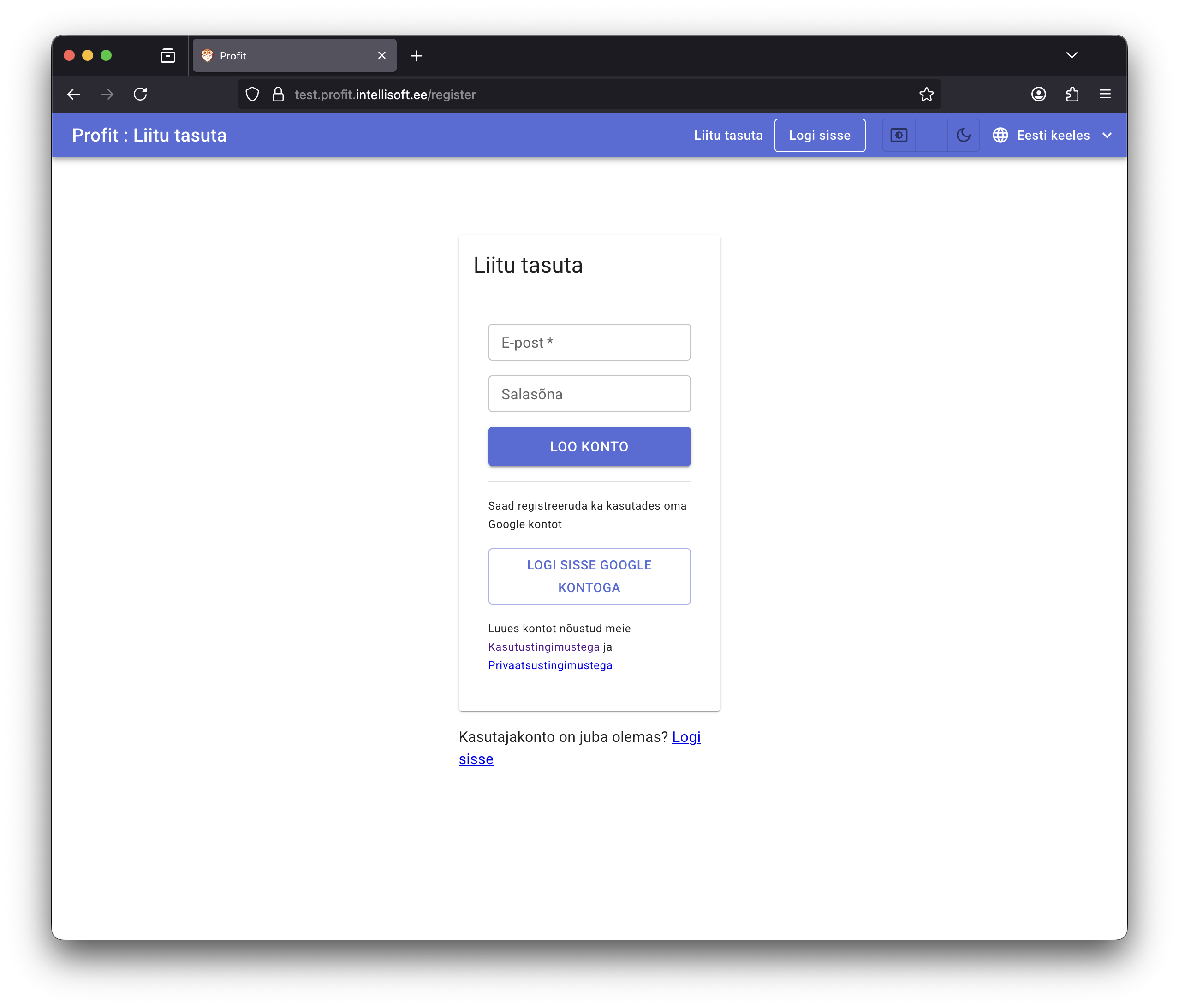
Sign up with email and password
Fill in Email and Password, then click Create account. You’ll be taken straight into the application.
Important
- Use a strong password that isn’t easy to guess.
- Don’t reuse the same password across different services.
- Enter a valid email address—we’ll send important updates there and you’ll need it for password recovery.
- Profit will never share your email address with third parties.
Here’s a short video demonstrating the registration flow:
Sign up with Google
Click Sign in with Google. A Google login (or permission) window opens. Complete the authentication/authorization steps and you’ll land directly inside Profit.
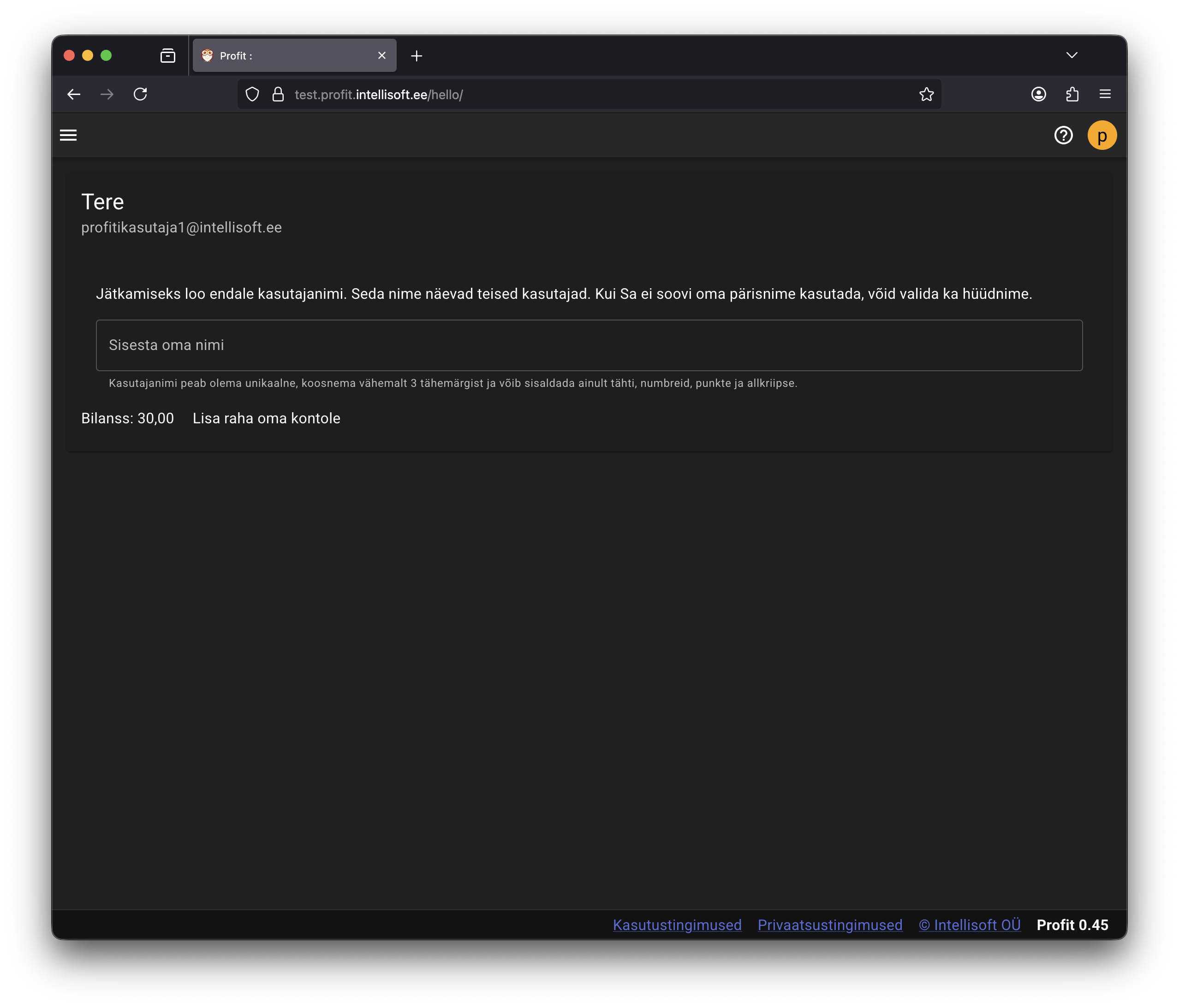
Choosing your username
On your first login, Profit asks you to pick a username.
Other users see you via this username and can invite you into their company databases.
Type your name or nickname and press Enter. Profit checks the availability and uniqueness; if everything is fine, the list of companies opens next.